Primeiro Build
-
Vamos criar um Descritor, para isso vamos acessar um editor de sua preferência, exemplo: VS Code, NotePad++ etc..
-
Crie diretorio onde vai guardar o arquivo e crie o arquivo
Dockerfile, exemplo:/primeiro-build/Dockerfile.
⚠️ O arquivo tem ter esse nome
Dockerfilecomeça com"D"maiusculo o"f"minusculo e não tem extenção.
-
FROM → é basicamento onde você quer basear sua image a partir de outra image.
- RUN → executa comandos.
- > → direciona para um diretorio do arquivo
# conteudo arquivo Dockerfile

FROM nginx:latest
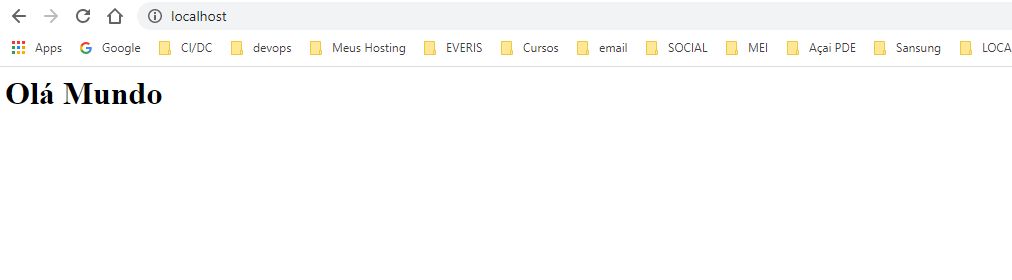
RUN echo '<h1> Olá Mundo</h1>' > /usr/share/nginx/html/index.html
- Dentro do diretorio onde criou o arquivo descritor abra o terminal.
$ primeiro-build> docker image build -t ex-simple-build .
-
-t→ comando para dar o nome (tag) a imagem. -
.→ indica o arquivo esta no mesmo diretorio do terminal. -
Execute o comando:
$ primeiro-build> docker image build -t ex-simple-build .
Sending build context to Docker daemon  2.048kB
Step 1/2 : FROM nginx:latest
latest: Pulling from library/nginx
d121f8d1c412: Pull complete
ebd81fc8c071: Pull complete
655316c160af: Pull complete
d15953c0e0f8: Pull complete
2ee525c5c3cc: Pull complete
Digest: sha256:9a1f8ed9e2273e8b3bbcd2e200024adac624c2e5c9b1d420988809f5c0c41a5e
Status: Downloaded newer image for nginx:latest
 ---> 7e4d58f0e5f3
Step 2/2 : RUN echo '<h1> Olá Mundo</h1>' > /usr/share/nginx/html/index.html
 ---> Running in 73e405ba671d
Removing intermediate container 73e405ba671d
 ---> 2218581f0fa9
Successfully built 2218581f0fa9
Successfully tagged ex-simple-build:latest
SECURITY WARNING: You are building a Docker image from Windows against a non-Windows Docker host. All files and directories added to build context will have '-rwxr-xr-x' permissions. It is recommended to double check and reset permissions for sensitive files and directories.

$ primeiro-build>
- Verificar se realmente realmente a imagem foi criada:
$ primeiro-build> docker image ls
ex-simple-build     latest              2218581f0fa9        4 minutes ago       133MB
nginx               latest              7e4d58f0e5f3        3 days ago          133MB
- Agora executar o container a partir dessa imagem:
$ primeiro-build> docker container run -p 80:80  ex-simple-build

/docker-entrypoint.sh: /docker-entrypoint.d/ is not empty, will attempt to perform configuration
/docker-entrypoint.sh: Looking for shell scripts in /docker-entrypoint.d/
/docker-entrypoint.sh: Launching /docker-entrypoint.d/10-listen-on-ipv6-by-default.sh
10-listen-on-ipv6-by-default.sh: Getting the checksum of /etc/nginx/conf.d/default.conf
10-listen-on-ipv6-by-default.sh: Enabled listen on IPv6 in /etc/nginx/conf.d/default.conf
/docker-entrypoint.sh: Launching /docker-entrypoint.d/20-envsubst-on-templates.sh
/docker-entrypoint.sh: Configuration complete; ready for start up
O comando
-p 80:80por default o servidor do nginx funciona na porta 80, então esse comando transporta tudo esta rodando no container nessa porta para ser utilizadas na porta 80 externo.
- Agora é só verificar no browser
Uso das Instruções de Preparação
- Vamor criar um novo Dockerfile com a capacidade de receber parâmetro na hora de criação da image, vamos passar argumentos para que possa deizar alguns pontos de personalização na hora de gerar essa image.
- Crie novo diretorio com arquivo Dockerfile, insira o conteúdo abaixo:
FROM debian
LABEL maintainer 'Jairo Nascimento'

ARG S3_BUCKET=files
ENV S3_BUCKET=${S3_BUCKET}
LABEL → é variavel de personalização onde pode colocar o nome do autor do arquivo.
ARG → onde voce define o argumento que vai passar para image.
ENV → onde é definido a variavéis de anbiente para image é utilizado ${} para definir qual argumeto que passar.
$ build-com-arg> docker image build -t ex-build-arg .

Step 1/4 : FROM debian
latest: Pulling from library/debian
57df1a1f1ad8: Pull complete
Digest: sha256:f744ed553780b84bf376fbfe7879de9a3aece6e611af110f95ca26188cf85cb6
Status: Downloaded newer image for debian:latest
 ---> f6dcff9b59af
Step 2/4 : LABEL maintainer 'Jairo Nascimento'
 ---> Running in 804e24a166bb
Removing intermediate container 804e24a166bb
 ---> 3c59a79314b3
Step 3/4 : ARG S3_BUCKET=files
 ---> Running in 6f7a9ad45652
Removing intermediate container 6f7a9ad45652
 ---> 4762caecbbfe
Step 4/4 : ENV S3_BUCKET=${S3_BUCKET}
 ---> Running in 9c1374d79d7d
Removing intermediate container 9c1374d79d7d
 ---> 4e197a47eb18
Successfully built 4e197a47eb18
Successfully tagged ex-build-arg:latest
SECURITY WARNING: You are building a Docker image from Windows against a non-Windows Docker host. All files and directories added to build context will have '-rwxr-xr-x' permissions. It is recommended to double check and reset permissions for sensitive files and directories.
- Criado a image com argumento, para testar que foi criado, rode o container passando o comando
bash -cvai utilizar o terminal e seguidaecho $S#_BUCKET
$ build-com-arg> docker container run ex-build-arg bash -c 'echo $S3_BUCKET'
files
Mostra o valor padrão passado no arquivo construtor.
- Agora se quiser gerar nova image passando um novo valor para variavel:
$ build-com-arg> docker image build --build-arg S3_BUCKET=myapp -t ex-build-arg .

Sending build context to Docker daemon  2.048kB
Step 1/4 : FROM debian
 ---> f6dcff9b59af
Step 2/4 : LABEL maintainer 'Jairo Nascimento'
 ---> Using cache
 ---> 3c59a79314b3
Step 3/4 : ARG S3_BUCKET=files
 ---> Using cache
 ---> 4762caecbbfe
Step 4/4 : ENV S3_BUCKET=${S3_BUCKET}
 ---> Running in ecc707ecf642
Removing intermediate container ecc707ecf642
 ---> 653f244ef06f
Successfully built 653f244ef06f
Successfully tagged ex-build-arg:latest
SECURITY WARNING: You are building a Docker image from Windows against a non-Windows Docker host. All files and directories added to build context will have '-rwxr-xr-x' permissions. It is recommended to double check and reset permissions for sensitive files and directories.
- Agora você executa novamente o comando para rodar o container:
$ build-com-arg> docker container run ex-build-arg bash -c 'echo $S3_BUCKET'
myapp
Com esses comando conseguimos passar argumentos que posso marcar dentro do Dockerfile que são pontos de personalização que na hora de criar image você pode passar esses argumentos, para criar image especificas para cada argumen to que queira personalizar.
- Temos outra forma de utilizar o
inspectpodemos fazer como fosse filtro em cima do arquivo que oinspectgera, veja o exemplo:
$ build-com-arg> docker inspect --format="" ex-build-arg
Jairo Nascimento
Uso das Instruções de Povoamento
-
Nesse caso passar arquivos para de sua máquina Host para dentro do container, o procedimento é mesmo criar arquivo
Dockerfileem um diretório. -
Agora crie um arquivo
index.htmlcom seguintes conteúdo:
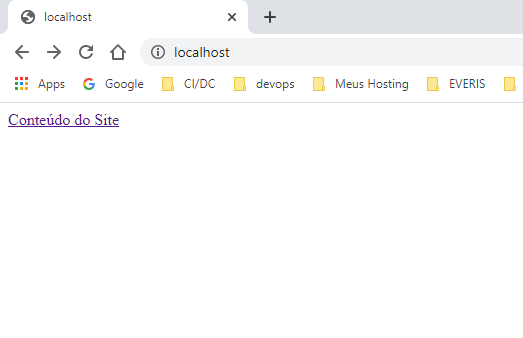
<a href="conteudo.html">Conteúdo do Site</a>
-
Nesse caso vamos copiar esse arquivo para dentro do container ele possui um link para um a página
conteudo.htmlque será criado no arquivo construtor. -
No arquivo
Dockerfileinsira as seguintes instruções:
FROM nginx:latest
LABEL maintainer 'Jairo Nascimento'

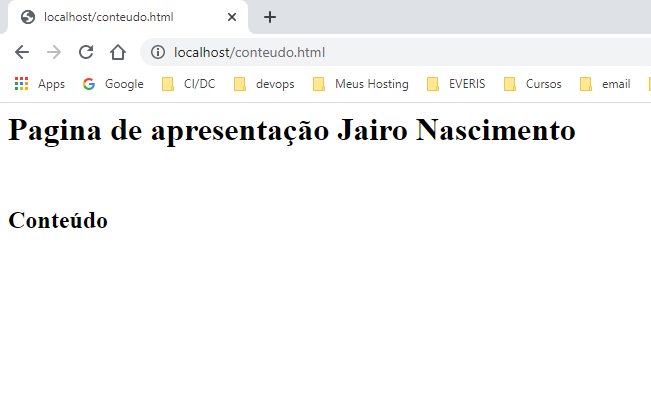
RUN echo '<h1>Pagina de apresentação Jairo Nascimento</h1><br><h2>Conteúdo</h2>' > /usr/share/nginx/html/conteudo.html
COPY *.html /usr/share/nginx/html/
-
O comando
RUNvai executar o umechoque criar o conteudo'<h1>Pagina de apresentação Jairo Nascimento</h1><br><h2>Conteúdo</h2>'dentro do arquivo no diretorio passado depois operador>no caso/usr/share/nginx/html/conteudo.html -
O comando
COPYvai copiar todo arquivo com extensão*.htmlque esteja dentro do diretório do arquivo, para dentro do diretorio/usr/share/nginx/html/no container.
- No terminal execute o comando para gerar a IMAGE, lembrando é dentro do diretório onde foi criado o
Dockerfile
$ build-com-copy> docker image build -t ex-build-copy .
- Agora excute o container, mapeando a porta 80 do container para sua porta 80 host.
$ build-com-copy> docker container run -p 80:80 ex-build-copy
- Agora é só conferir no browser.